
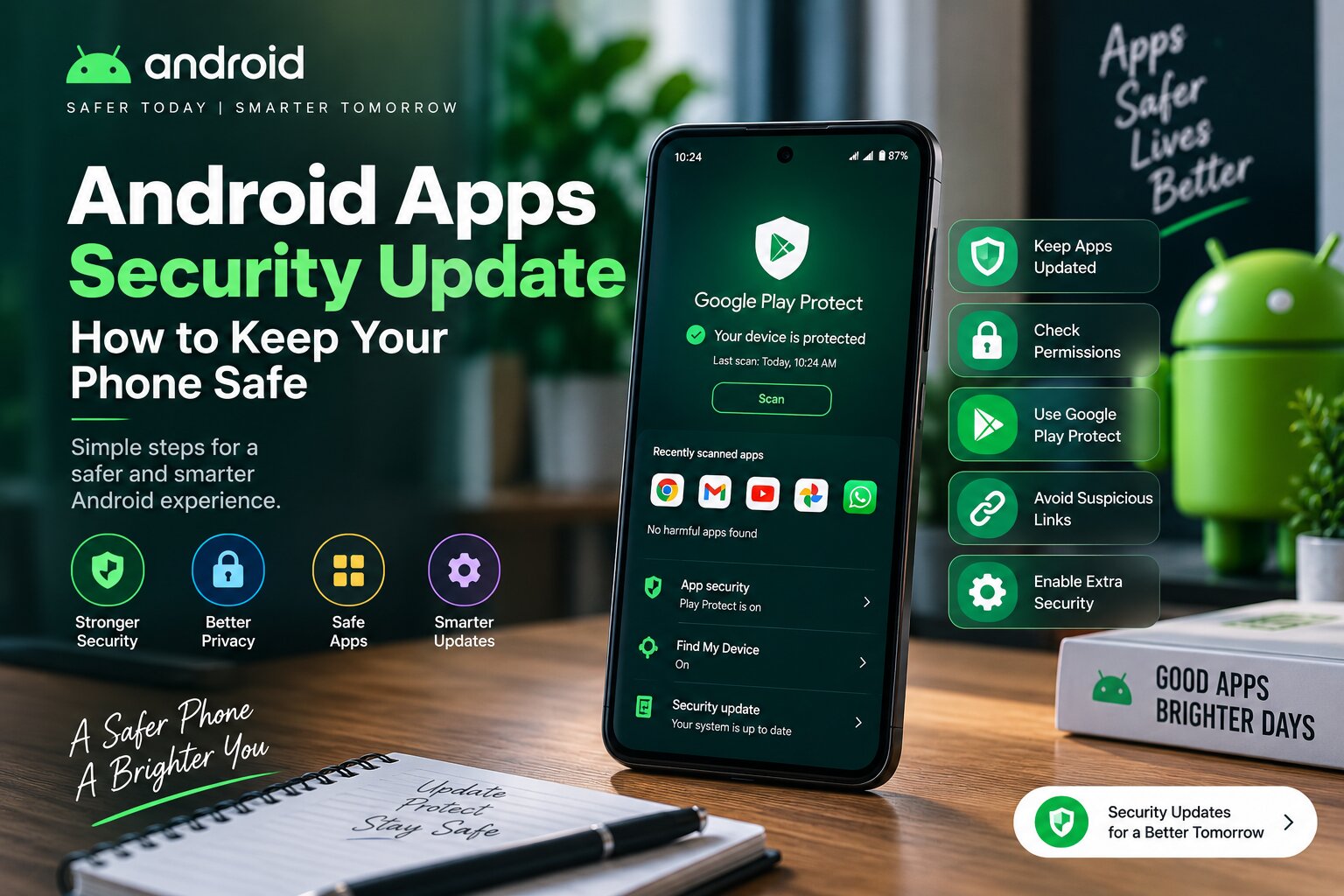
Android apps security update has become increasingly important as smartphones have become a central part of everyday life.
People use mobile apps for banking, shopping, communication, entertainment and storing personal information. Because of this, keeping apps secure is an essential part of digital safety.
Regular updates, careful app choices and strong security habits can help users reduce the risk of malware, privacy problems and online attacks.
Why Android App Security Matters
Android is one of the most widely used mobile operating systems in the world, which makes it a common target for cyber threats.
Attackers may try to use harmful apps, fake updates or suspicious links to access user information.
Security updates help developers fix problems and improve protection against new threats.
How Security Updates Protect Android Users
App security updates are designed to fix vulnerabilities and improve the way applications handle user data.
Developers regularly release updates to improve security, performance and compatibility.
Installing updates helps users receive the latest protection available for their applications.
The Importance of Google Play Protect
Google Play Protect is one of the built-in security systems available on Android devices.
It helps scan apps for potentially harmful behavior and provides additional protection for users.
However, users should still be careful when installing apps from unknown sources.
How Malware Enters Android Phones
Malicious software can enter devices through different methods.
- Downloading apps from unofficial websites
- Clicking suspicious links
- Installing fake applications
- Ignoring security updates
- Giving unnecessary app permissions
Understanding these risks can help users make safer decisions.
Check App Permissions Regularly
Many apps request access to features such as cameras, microphones, contacts and location.
Users should review permissions and allow only the access that is necessary.
Limiting unnecessary permissions can improve privacy and reduce security risks.
Why Updating Apps Is Important
Some users delay app updates because older versions continue to work.
However, updates often include important security fixes along with new features.
Keeping apps updated is one of the easiest ways to maintain a safer smartphone environment.
Tips to Keep Android Apps Safe
Users can improve Android security by following simple steps:
- Download apps from trusted sources
- Keep Android and apps updated
- Use strong passwords
- Enable two-factor authentication when available
- Avoid suspicious links and files
The Role of AI in Mobile Security
Artificial intelligence is becoming an important part of modern cybersecurity.
AI systems can help detect unusual activity, identify suspicious behavior and improve threat detection.
Future Android security solutions are expected to use more intelligent protection methods.
Android Security Challenges
Despite improvements, mobile security remains a continuous challenge.
The large number of Android devices and applications creates a complex security environment.
Users, developers and technology companies all play an important role in maintaining safer digital experiences.
The Future of Android App Security
As smartphones become more connected, app security will become even more important.
Future updates may provide stronger privacy controls, smarter threat detection and better protection against emerging risks.
Security will remain a key part of the Android ecosystem.
Final Thoughts
Android apps security updates are an important part of protecting personal information and maintaining a safer mobile experience.
By keeping apps updated, checking permissions and following safe browsing habits, users can reduce many common security risks.
A few simple security steps can make a significant difference in protecting an Android device.