
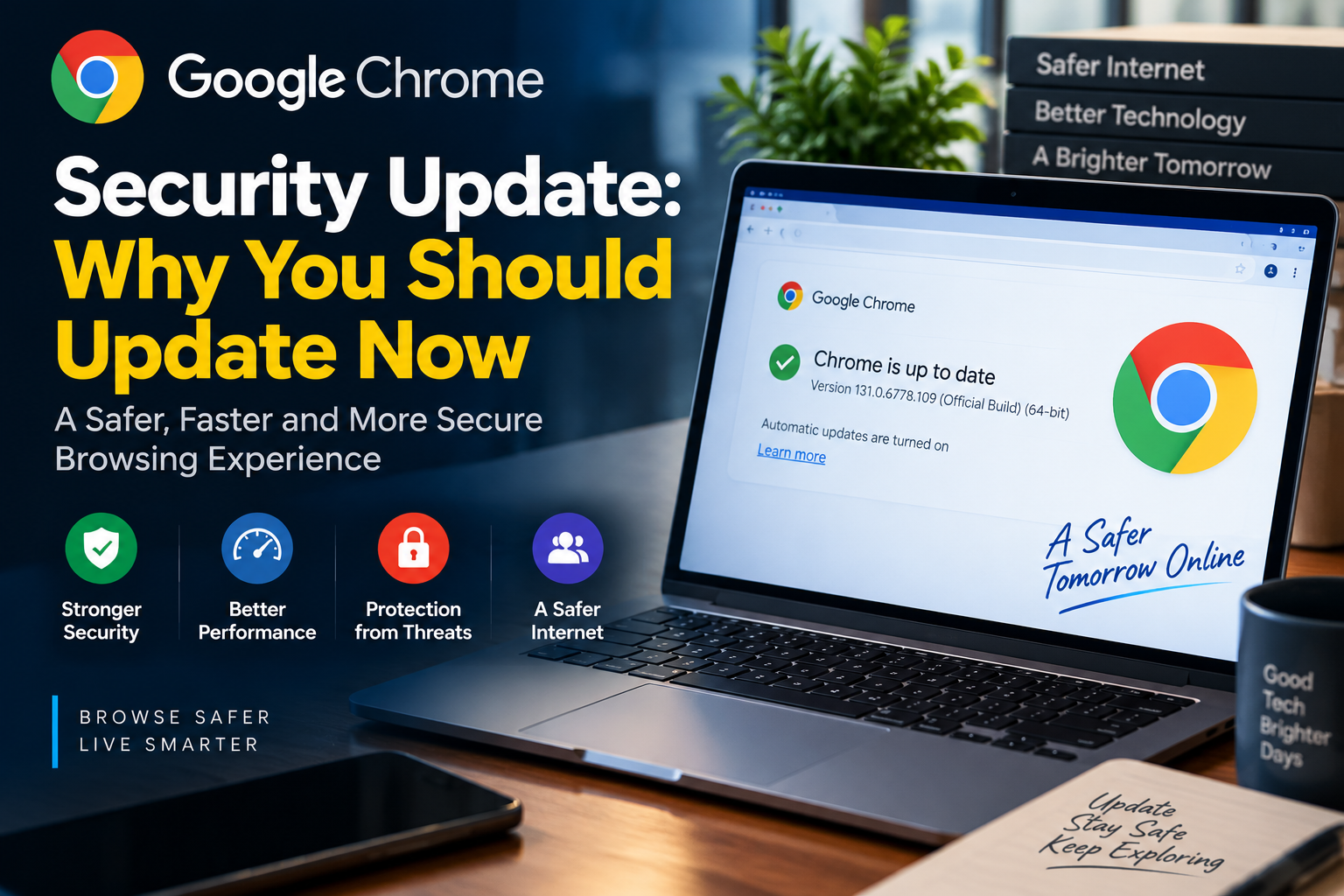
Google Chrome security update is one of the easiest ways for users to protect themselves while browsing the internet. Although many people ignore browser updates, keeping Chrome updated can help prevent security risks and improve overall browsing experience.
Modern browsers are complex software platforms. They handle passwords, payments, personal information, downloads and access to thousands of websites every day. Because of this, browsers are constantly updated to fix security issues and improve protection.
Why Chrome Security Updates Matter
Google Chrome is used by billions of people worldwide, making it a major target for cyber attackers.
Security researchers regularly discover weaknesses in software. If these issues are not fixed, attackers may attempt to exploit them through harmful websites, malicious files or phishing campaigns.
Chrome security updates help developers fix these problems before they become bigger risks for users.
How Browser Vulnerabilities Can Affect Users
A browser vulnerability is a weakness that may allow attackers to perform unwanted actions.
In some cases, attackers may try to steal personal information, install harmful software or trick users into revealing sensitive data.
Because browsers connect users directly to the internet, keeping them secure is an important part of digital safety.
What Google Does to Improve Chrome Security
Google regularly releases Chrome updates that include security improvements, performance changes and new features.
The company works with security researchers who report potential issues. These reports help Google identify problems and develop fixes.
Chrome also includes built-in security features such as Safe Browsing, sandbox technology and automatic updates.
How to Check If Chrome Is Updated
Users can quickly check their Chrome version by following these steps:
- Open Google Chrome
- Click the three-dot menu in the top-right corner
- Select Help
- Choose About Google Chrome
- Chrome will automatically check for available updates
If an update is available, users should restart the browser to complete the installation.
Why Automatic Updates Are Important
Many users delay software updates because they do not want interruptions. However, automatic updates are designed to reduce security risks by applying important fixes quickly.
Using an outdated browser can leave users exposed to problems that have already been solved in newer versions.
Chrome Security and Online Privacy
Browser security is not only about preventing malware. It is also connected with protecting personal privacy.
People use browsers for online banking, shopping, work and communication. A secure browser helps reduce the chances of personal information being exposed.
Users should also combine browser updates with strong passwords, two-factor authentication and careful browsing habits.
What Chrome Users Should Do
To improve online safety, users should:
- Keep Chrome updated
- Avoid downloading files from unknown websites
- Be careful with suspicious email links
- Use strong passwords
- Enable additional security features when available
The Future of Browser Security
As online threats become more advanced, browser security will continue to become more important.
Future browsers will likely use stronger artificial intelligence-based protection, improved privacy controls and smarter threat detection systems.
Keeping software updated will remain one of the simplest but most effective security practices.
Final Thoughts
A browser update may look like a small technical change, but it plays an important role in protecting users online.
Google Chrome security updates help fix vulnerabilities, improve protection and provide a safer browsing experience.
For everyday internet users, one simple habit can make a big difference: keep your browser updated.